Why PaceGuru Built a Running Metronome I Didn't Think I Needed
Do running metronomes actually help?
Before building this, I wasn't convinced.
I've been running for years and have worked through a full Hansons Marathon Method cycle. I never spent much time trying to manage cadence. By the last part of that block, it had drifted from the mid-160s to around 180 steps per minute on its own. It seemed to follow the training rather than drive it.
Pace was always the change I noticed first. When pace improved and stride length did not change much, cadence naturally came up with it. To me, cadence is often a trace of better running, not a switch you can force into place with a beep.
I have tried chasing a target cadence with a metronome. It felt tiring and oddly stressful—like being hurried along. It did not suit me.
We built it anyway
My own preference is only one data point. Some runners like a clear rhythm, some want a reminder during intervals, and some simply want their cadence to stay steadier. That was enough reason to add a running metronome to PaceGuru.
While testing it, I found a use that surprised me: slowing my cadence down.
On a fast run, once I get carried away, my cadence can climb above 200. In those moments, I set the metronome somewhere between 180 and 190. It reminds me not to keep spinning my legs faster, and gives my body room to use a fuller stride. For me, it works less like a target and more like a temporary speed limit.
Setting it up
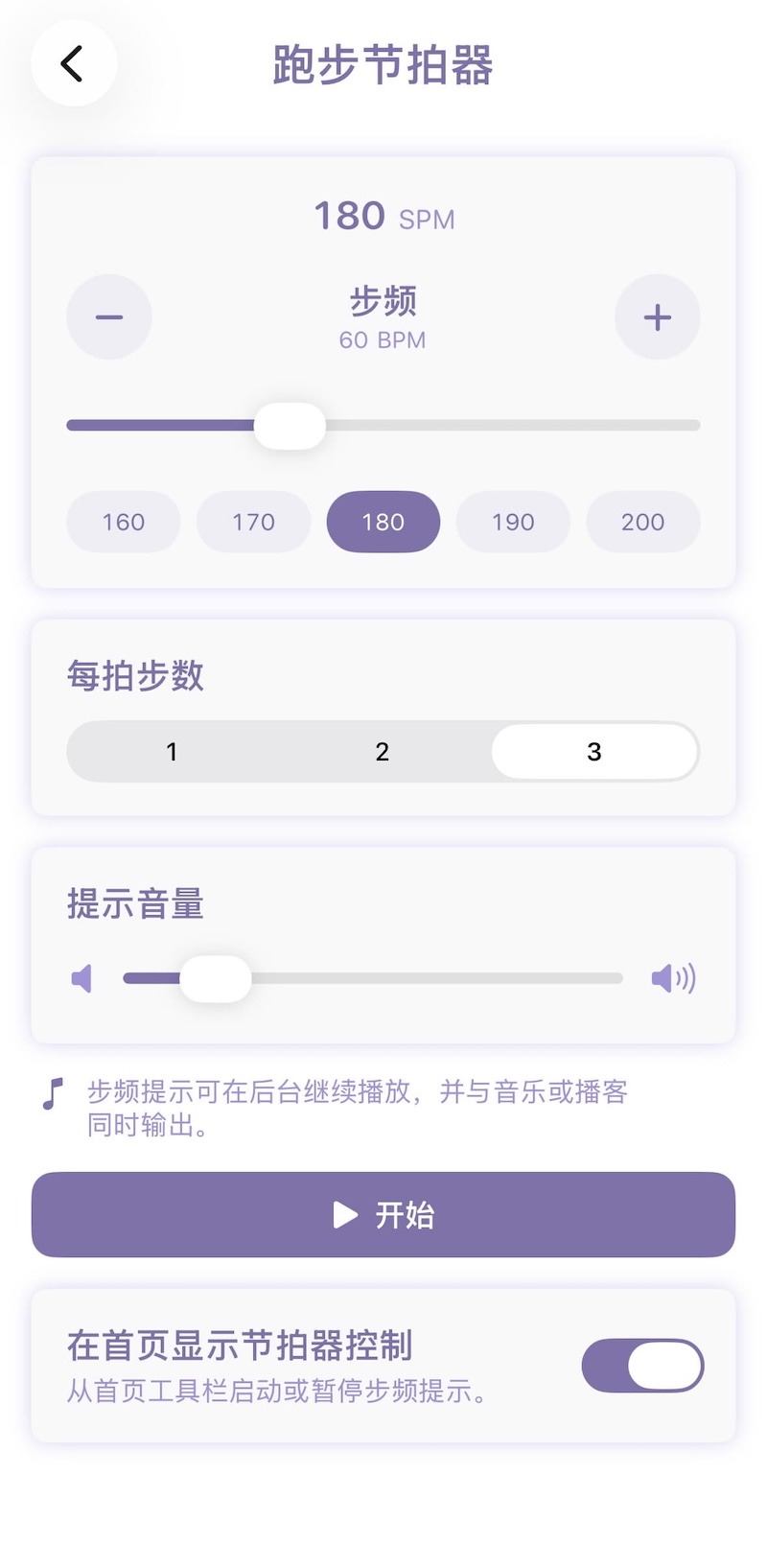
You can start the metronome from Running Tools and adjust a few things:
- Target cadence: 160 to 220 steps per minute, covering easy runs, tempo work, and hard intervals.
- Beat pattern: one beat every one, two, or three steps.
The three-step pattern is easy to overlook. A friend told me that, when the beat lands, the foot touching the ground tends to hit a little harder. With a two-step pattern, that may always be the same side. With three steps, the beat moves between left and right, which can feel more even.
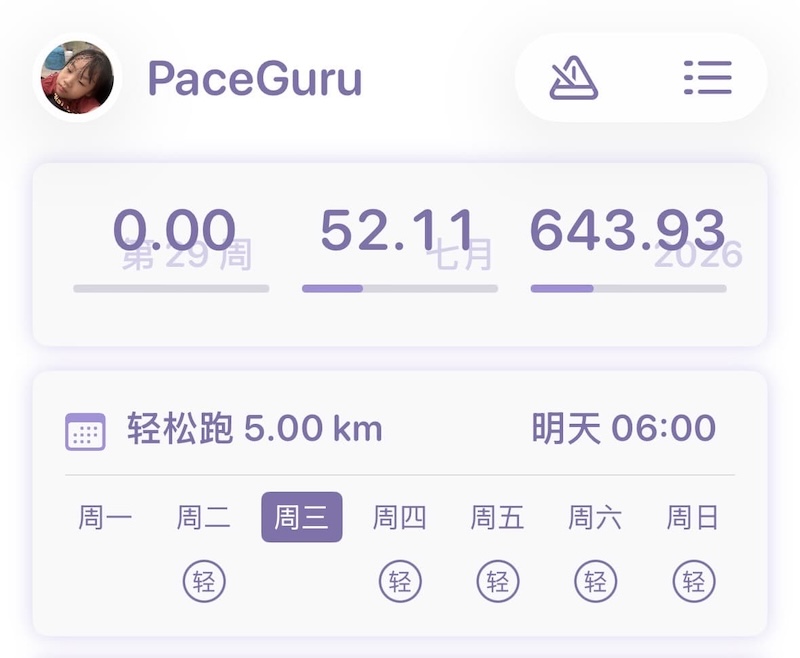
Ready from the home screen
The play button lives at the upper-right of the home screen. There is no need to open Running Tools and work through a few extra screens before a run—one tap starts it.
It sits underneath music or a podcast
The metronome blends with the audio already playing on your device; it does not interrupt your music or podcast.
I usually set my podcast or music to its normal running volume first, then bring the metronome up slowly. Loud enough to catch, quiet enough to leave the rest alone. That makes the cue useful without turning the whole run into a countdown.
A metronome will not automatically make anyone faster, and it should not dictate one “correct” cadence. But it can be a handy cue when you want a little more rhythm—or a little less. That was enough to earn it a place in PaceGuru.